A simple guide to the Claude features that are actually worth understanding.
You don't need to learn everything Claude can do at once.
Start with these 10 features. They cover everything from keeping context and organizing projects to letting Claude work with files, code, apps and other tools.
One useful feature is enough to start. Plans, limits, rollouts and administrator settings can change. The illustrations are visual summaries, not screenshots of the current interface; use the verified steps below.
LESS RE-EXPLAINING
Memory
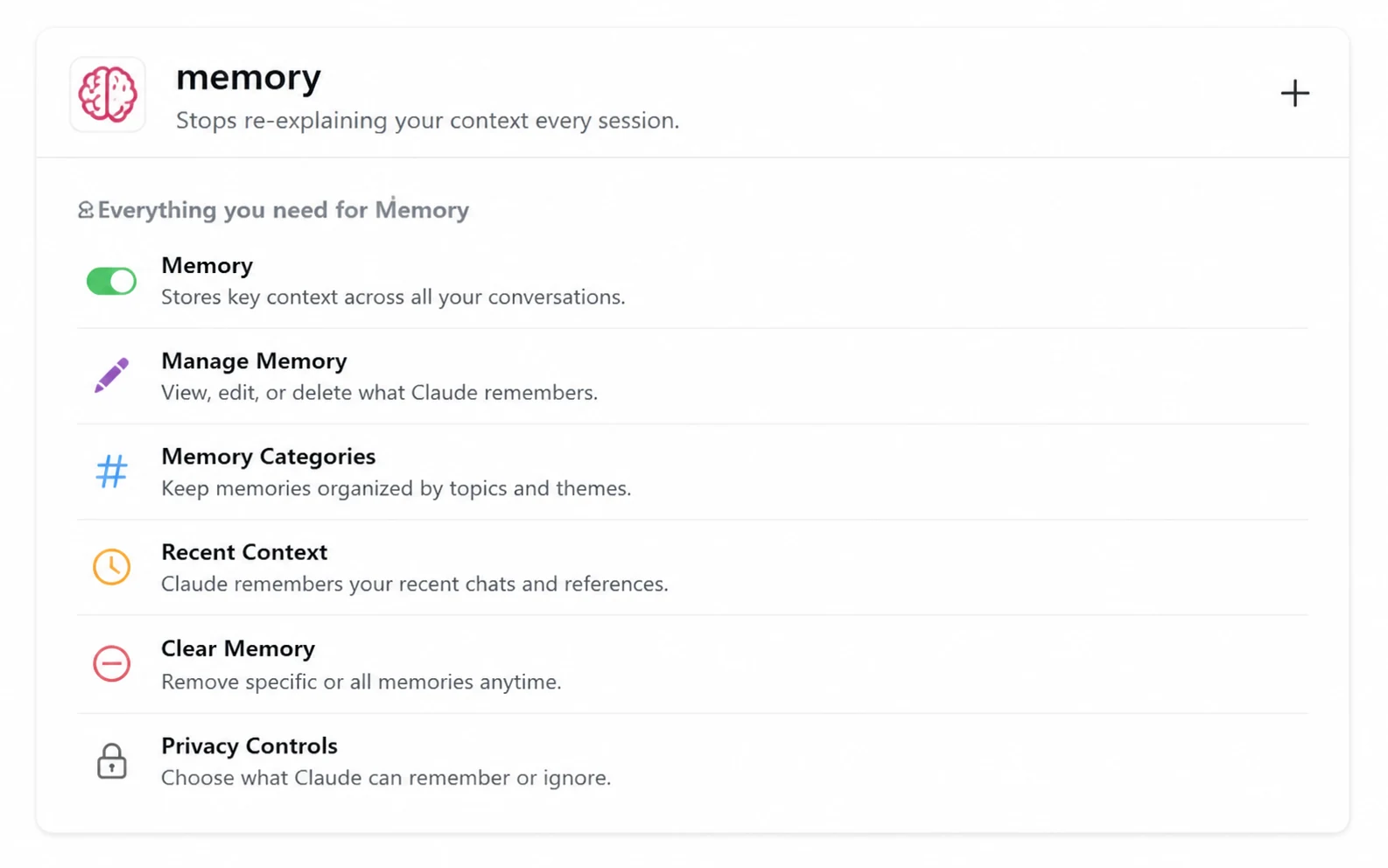
Claude can save useful context as individual topics while you chat—such as your working style, preferences and ongoing work. You can also ask it to remember something directly.
How to start
Open Settings → Memory. Check Generate memory from chats. Under Topics, open an entry to read, edit or delete it. You can ask Claude to change or forget information in chat, too.
“Remember that I prefer short explanations with one practical example.”
Instead of explaining your preferences every time, Claude may retain useful information you've asked it to remember.
Know the limits: Memory is on by default for Free, Pro and Max; Team and Enterprise need owner enablement, with some regulated organizations excluded. It is not a perfect transcript. Projects have separate memory. Incognito chats do not add memories. Deleting a chat does not delete its saved memories—manage those separately. Keep secrets out.
Best for: Personal preferences and recurring context.
Learn how Memory worksONE HOME FOR ONGOING WORK
Projects
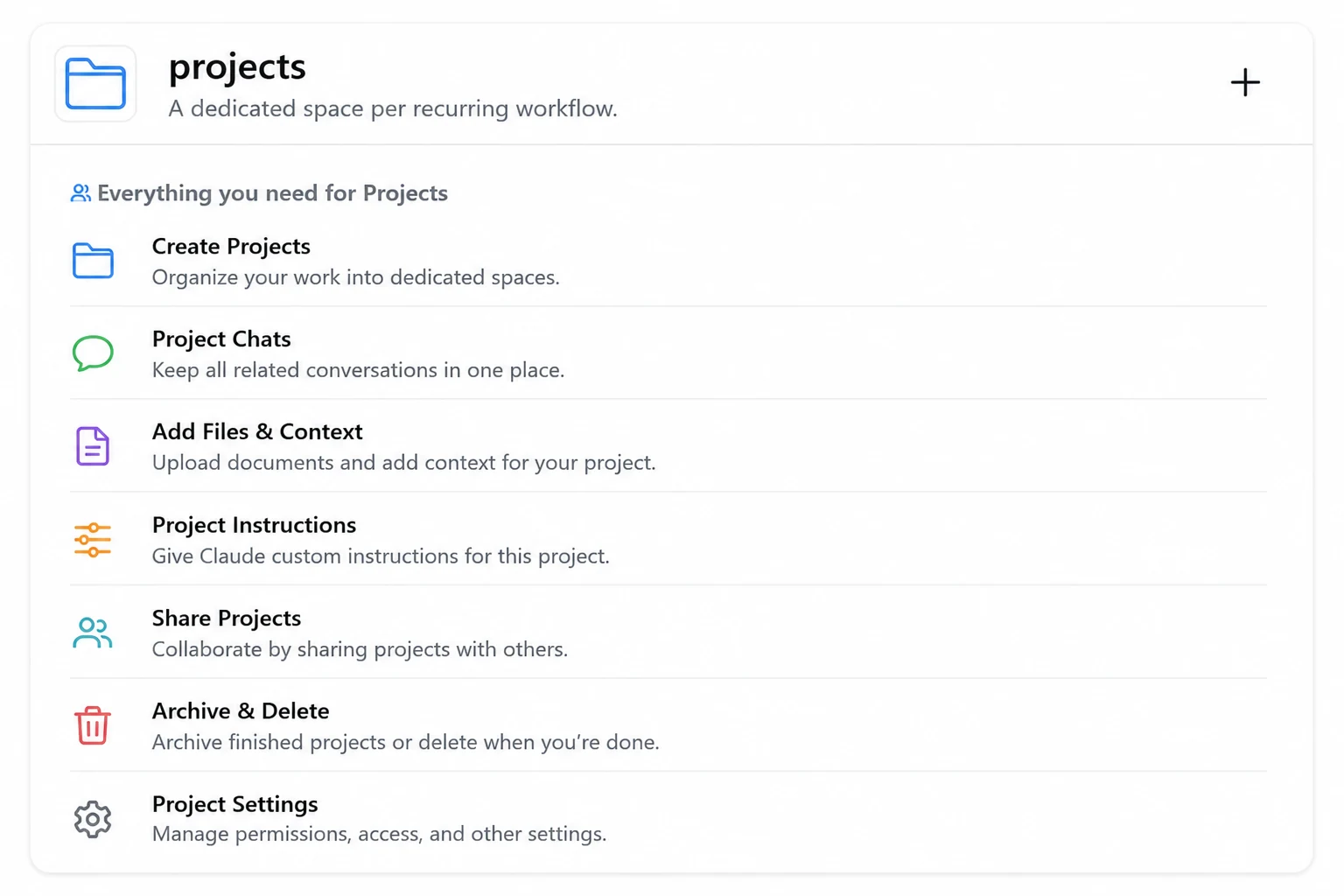
A Project keeps related chats, reference files and instructions together. Use one when the same background matters over weeks or months, rather than uploading it in every new conversation.
How to start
Open Projects → + New Project. Name it, add reference material to project knowledge, and write project instructions. Start your next related chat inside that Project.
Create a “Content Business” project with your brand notes, audience, previous content and instructions: “Write in our voice. Ask before inventing product details.” Keep future content conversations there.
Know the limits: Projects are available on every plan; Free currently allows five. Organization sharing is for Team and Enterprise. Shared files and instructions provide reusable context, but don't assume every detail from every project chat is automatically in the next one. Keep important facts in project knowledge.
Best for: Ongoing work that needs the same files and instructions repeatedly.
Create your first Project ↗GO FROM ANSWER TO OUTPUT
Artifacts
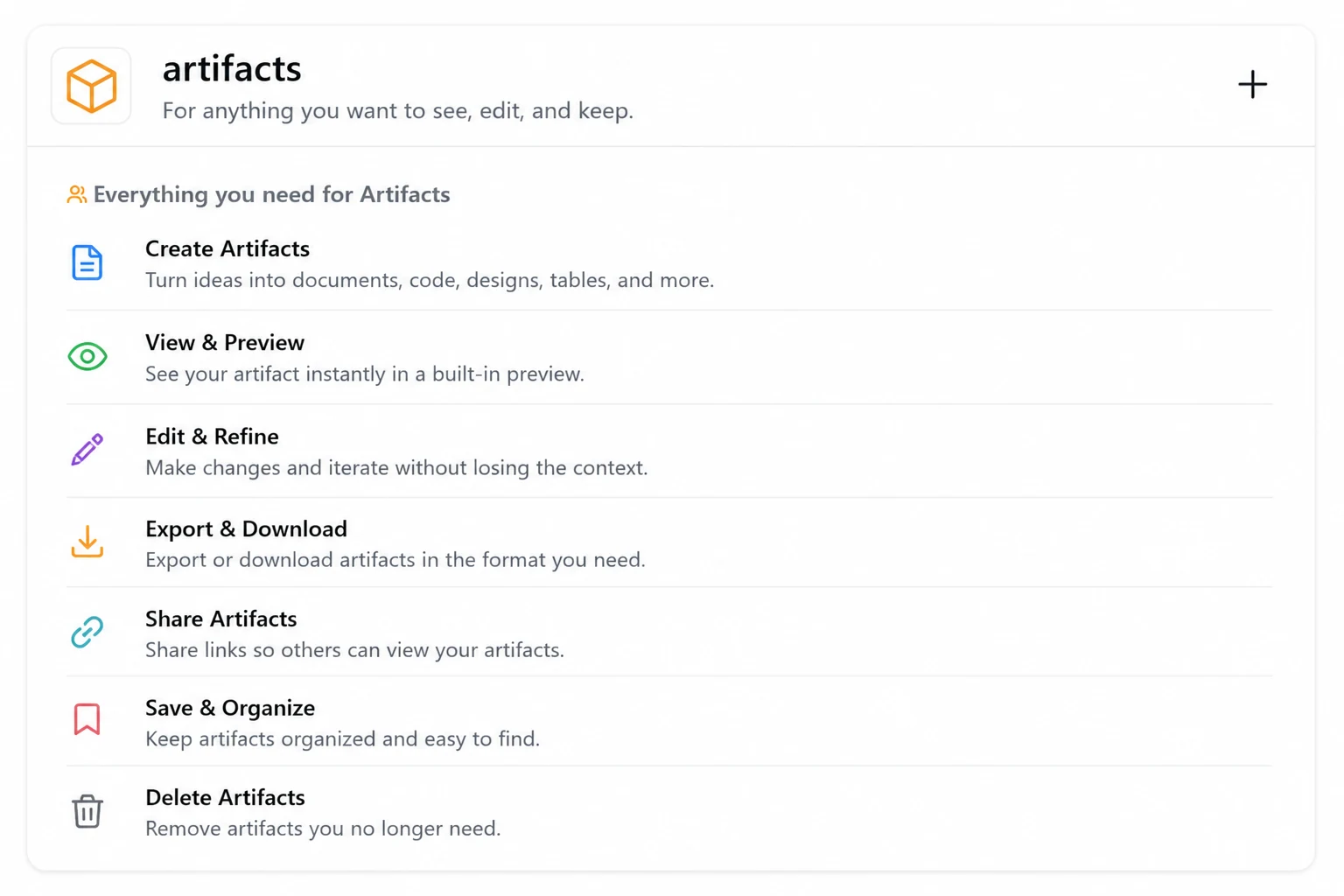
An Artifact is a standalone output in its own panel beside the chat. It can be a document, code, a diagram, a simple webpage or an interactive tool—something you can inspect and improve, not just read about.
How to start
Enable Code execution and file creation in Settings → Capabilities (an owner manages this for organizations). Ask Claude for an artifact, then request changes and inspect the preview.
“Create an interactive budget calculator with income, expense categories and a monthly savings total. Use sample numbers, not my real financial information.”
Know the limits: Artifacts in Claude are available on Free and paid plans. You can copy content or download the files offered. Interactive outputs can have bugs; test them. Publishing is a separate action—check what will be shared before using it to add an artifact to your library.
Best for: Things you want to see, interact with, edit or reuse.
Explore Artifacts ↗WORK INSIDE A SOFTWARE PROJECT
Claude Code
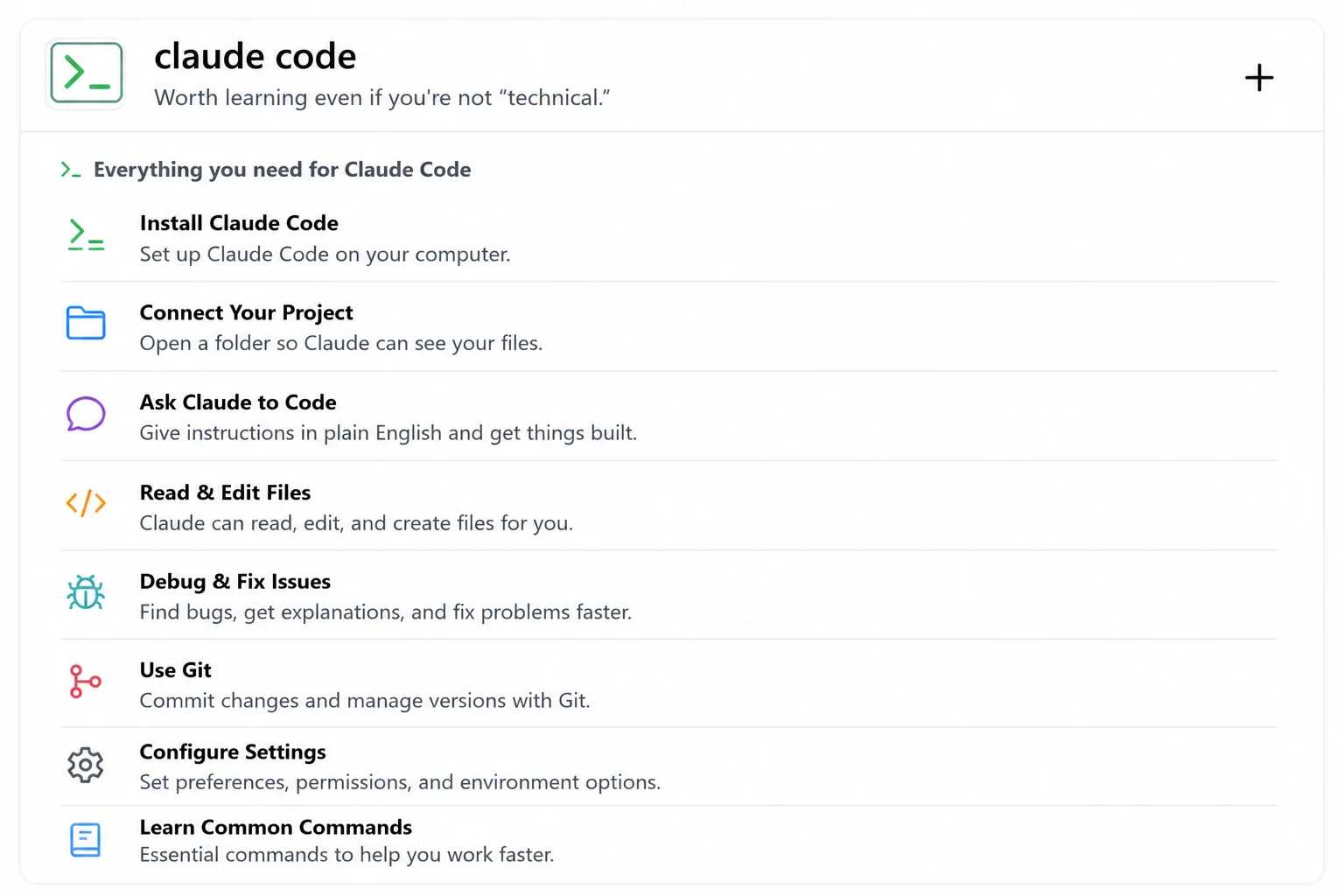
Claude Code helps build and maintain software from plain-English instructions. With access to your project folder, it can inspect files, propose edits, run commands and investigate bugs across the project.
How to start
Use the official setup guide to choose the desktop app, terminal or editor extension. It also runs on the web. For a visual start, open the desktop app's Code tab and choose your project. For the terminal, open your project folder and run claude after installation.
Open an existing website project and ask: “Find why the mobile menu isn't opening, explain the problem in simple English, then fix it.”
Know the limits: Access and billing depend on the surface; desktop needs a paid subscription, while the terminal also supports Console accounts. Keep permission prompts enabled. Review edits, commands and tests before accepting or publishing changes. Start with a backed-up project, not your only copy.
You do not need to be an expert developer to benefit from Claude Code, but you should review changes before accepting them.
Best for: Building, editing and maintaining software with Claude.
Official Claude Code installation guide ↗DELEGATE A DELIVERABLE
Cowork
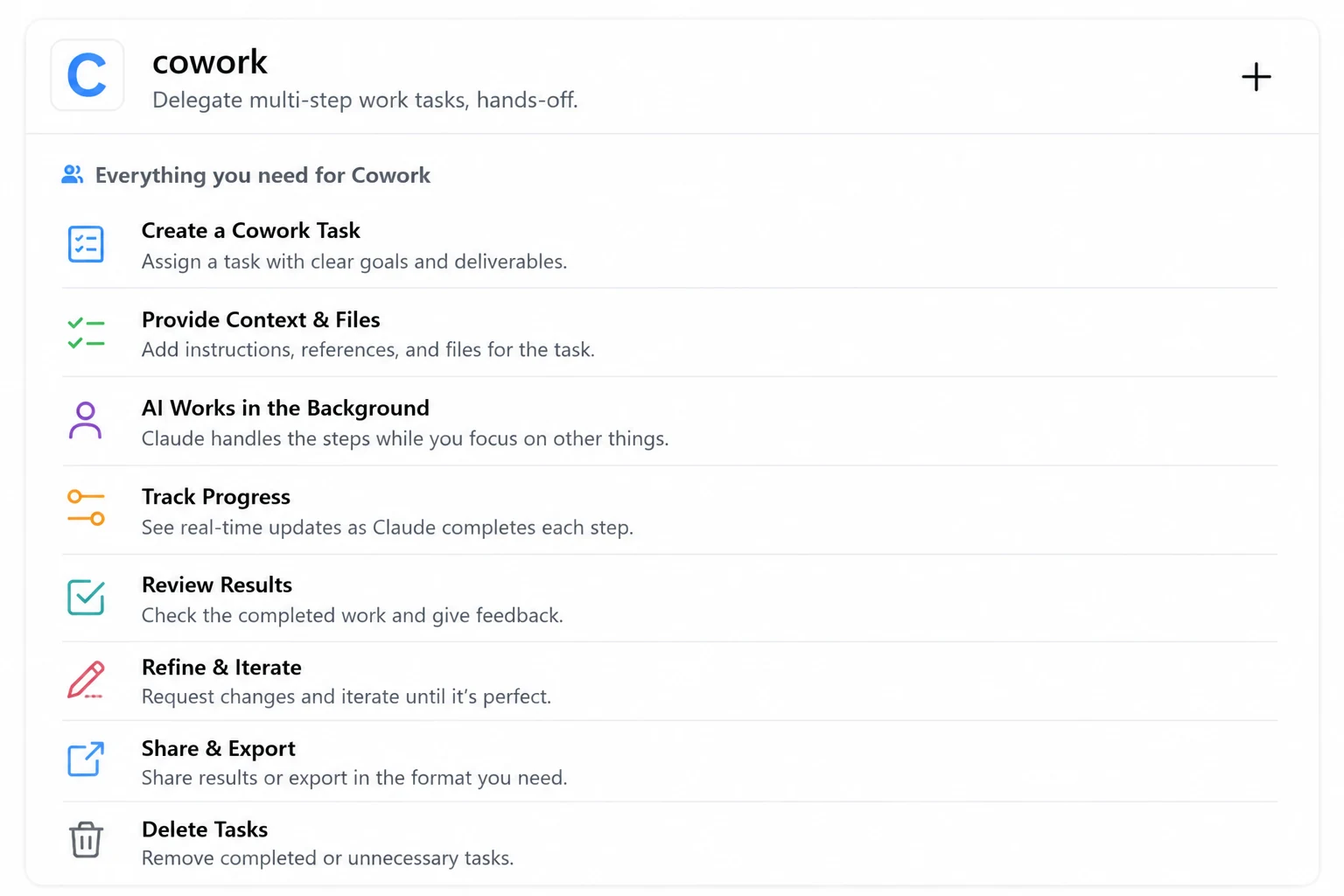
Claude Cowork takes on multi-step work without a terminal. Instead of walking through every step in chat, describe the result: a document, organized files or a research summary. Claude can plan and carry out the work with the tools you allow.
How to start
Select Cowork at the message box. Describe your deliverable, attach relevant material and set boundaries. Review requests for file, app or browser access before approving them.
“Use these workshop notes to create a two-page participant handout and an action checklist. Use only these files. Don't send or publish anything.”
Availability: Paid plans, on macOS/Windows desktop, web and the latest mobile apps; Enterprise web/mobile access requires admin enablement. Cloud sessions are in beta and can continue after you leave. Local file access requires desktop. Check the permissions and review every deliverable—longer tasks can still make mistakes.
Best for: Multi-step document, research and file tasks beyond coding.
Get started with Cowork ↗A METHOD YOU CAN REUSE
Skills
A skill is like giving Claude a reusable playbook for a particular job. It packages instructions and, when needed, reference files or scripts. Claude loads relevant material when the skill applies, instead of you pasting one huge prompt every time.
skills
A reusable playbook for a repeatable job.
- Define the method
Instructions, examples and helpful references.
- Use it when relevant
Give the task; the playbook supplies the process.
- Review and improve
Refine the method as your workflow changes.
How to start
In Claude, enable code execution, then open Customize → Skills and enable a trusted skill. This is available on Free and paid plans, subject to organization controls.
In Claude Code, skills use a SKILL.md file inside a skill folder and can be invoked by name. They follow the open Agent Skills format, with additional Claude Code features. A third-party skill is community-provided—not automatically an Anthropic-approved feature or compatible with every app.
A weekly newsletter skill could check your brief, follow your tone guide, draft three subject lines and run a final accuracy checklist.
Be careful: Skills can contain executable scripts. Inspect their source and trust the author before installing. A playbook improves consistency; it doesn't guarantee correct output.
Best for: Repeated tasks that should follow the same method.
Use Skills in Claude ↗Claude Code skill setup ↗
BRING YOUR APPS INTO THE CONVERSATION
Connectors
A connector lets Claude work with an authorized service, so you don't have to copy everything into chat. Depending on the connector, it can retrieve information or take actions.
connectors
Use information where it already lives.
- Choose a service
Check its available tools and supported actions.
- Authorize access
Your existing service permissions still apply.
- Ask with context
Search, summarize or act within the allowed scope.
How to start
Open Customize → Connectors → +. Choose a service, review its capabilities, then select Connect or Install and complete authorization. Google Drive search, Slack messages and Linear issues are current official examples.
“Find the launch brief in my connected Google Drive and summarize the agreed audience and deliverables. Include links to the source files.”
Know the limits: Web connectors are available on all plans; individual services and organization policies vary. Mobile installation is in beta. A connector cannot access records your account cannot access, but it may be allowed to modify data. Check read/write permissions and disconnect services you no longer need. The catalog can change.
Best for: Working with information already stored in another service.
Connect your tools safely ↗HELP RIGHT ON THE PAGE
Claude in Chrome
Claude in Chrome is the browser extension that lets Claude read webpages, click, type and navigate alongside you. It can compare open tabs or help complete a browser task, not just discuss a link.
claude in chrome
Work with webpages, while staying in control.
- Read and compare
Gather useful details from the tabs you're using.
- Navigate and interact
Click, type and follow a task through a website.
- Choose your boundaries
Review access, approvals and unexpected behavior.
How to start
Follow the official guide to the Chrome Web Store, install the extension, sign in and open its toolbar side panel. Read the requested permissions before granting access.
“Compare the schedules on these three workshop pages and make a table. Don't register, submit any forms or make purchases.”
Availability: Paid plans, in desktop Google Chrome—not mobile or other Chromium browsers. The side panel is in beta. Its Cowork experience is available to Max/Team, rolling out to Pro, and admin-controlled on Enterprise.
Safety first: You can change approval settings and stop the work. The Cowork side panel defaults to automatic approval with safety screening, not a prompt before every action. Malicious webpage instructions can still mislead Claude. Use a separate profile for low-risk work and avoid sensitive accounts or regulated data.
Best for: Browser-based work that requires interacting with webpages.
Set up Claude in Chrome ↗Read the browser safety guidance ↗
MODEL CONTEXT PROTOCOL
MCP
Think of MCP as a standard way for Claude to connect to tools and information outside the chat. A connector is the connection you use; MCP is often the shared language behind it.
mcp
A common connection for tools and information.
- A server provides the connection
A program that exposes selected capabilities.
- Tools do things; resources provide context
For example, an allowed search and its source data.
- Access still has boundaries
Authentication, permissions and trust still matter.
How to start
Try a trusted connector first—you may not need manual MCP setup at all. For a custom connection, follow its official instructions for your Claude app. A local server runs on your computer; a remote server is reached over the network.
Claude → MCP → a development tool that can search your team's documentation. Ask for the release checklist without copying the entire documentation site into chat.
Know the limits: An MCP server is software, not a permission bypass. Install only trusted servers, protect credentials and grant the smallest scope needed. Available tools depend on the server and client. Some connections can write or delete, not just read.
Best for: Giving Claude controlled access to external tools and data.
Official MCP introduction ↗Connect MCP tools to Claude Code ↗
GIVE EACH WORKER A CLEAR JOB
Subagents
Think of it like giving different members of a team different jobs. In Claude Code, a subagent handles a focused task with its own working context, instructions and tool permissions, then reports back to the main session.
subagents
Focused workers. Clear responsibilities.
Main agent
- Separate the investigation
Keep long searches and logs out of the main conversation.
- Bring back the findings
The main session combines the useful results.
How to start
Ask Claude Code to use a subagent for a bounded task. For a reusable specialist, ask it to create a read-only reviewer in .claude/agents/ and inspect the generated instructions and permissions.
“Use a read-only subagent to review this project's mobile navigation. Report problems and evidence to the main session; don't change files.”
Know the limits: Most subagents start without the full conversation history; provide a clear brief. Their work still consumes usage. A simple edit usually doesn't need multiple agents. Current Claude Code no longer uses /agents as a creation wizard; ask Claude to create the definition instead. The team diagram shows example roles, not three automatically installed specialists.
Best for: Larger tasks that benefit from specialized roles.
Learn about Claude Code Subagents ↗YOUR NEXT STEP, NOT TEN NEW CHORES
If you're completely new, start here
1. Make everyday chat more useful
Memory → Projects → Artifacts. Save a preference, organize one ongoing project, then create an output you can actually use.
2. Choose the work you want done
Try Claude Code for a software project, or Cowork for a multi-step document or research task. Explore Claude in Chrome if the work happens on webpages.
3. Add only what removes friction
A repeated method? Add Skills. Data in another app? Try Connectors. A custom tool connection? Learn MCP. A larger coding investigation? Consider Subagents.
This is a suggested learning order, not a required setup. Stay with the feature that helps you today.
START WITH YOUR PROBLEM
Which one should I use?
I keep repeating my preferences.
→ MemoryI'm working on this for weeks or months.
→ ProjectsI want something I can see and interact with.
→ ArtifactsI need help inside my software project.
→ Claude CodeI want to delegate a multi-step work task.
→ CoworkI follow the same process regularly.
→ SkillsMy information lives in another app.
→ ConnectorsI need help interacting with webpages.
→ Claude in ChromeI need a standard connection to a custom tool.
→ MCPMy coding task needs a separate specialist.
→ SubagentsOfficial sources
Checked September 2, 2026. These pages take precedence over the illustrations. Feature availability, quotas, pricing, previews and menu labels can change.
- Claude chat search and Memory
- Projects: knowledge, plans and sharing · Project setup
- Artifacts: creation, editing and downloads
- Claude Code: installation and supported surfaces · Permissions
- Claude Cowork: current availability and setup
- Skills in Claude · Skills in Claude Code and the open standard
- Connectors, supported services and access
- Claude in Chrome: setup and availability · Browser safety
- MCP: official introduction · MCP connections in Claude Code
- Claude Code Subagents: current configuration
KEEP IT SIMPLE
You don't need to master Claude.
Just learn the part that solves the problem you have today.
Explore More PromptDeck Guides